
Follow the steps below ensure your team is recorded properly in your hours-of-service logs
- First make sure that the main driver is logged in.
- At the Home Screen, select the Co-Driver icon at the top of the screen. It looks like "two people".
- Choose the duty status that the driver will be in after switching.
- Sign In with the co-driver account.
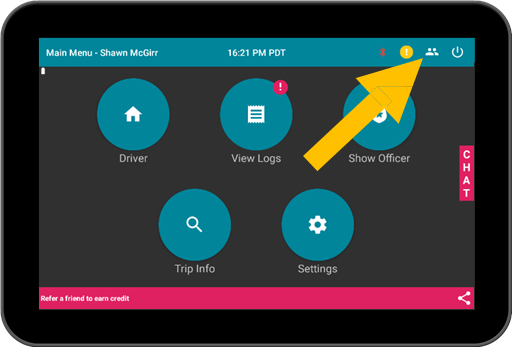
Note: Make sure that the main driver does not log out. Use the Co-Driver login button to ensure logs are generated with proper co-driver records.