Who is this article for? Standalone Tracking customers.
Note: Tracking integration within emdecs one is currently partial. Some portal features are only accessible through the standalone Tracking portal. Where noted, follow the standalone steps.
In the top-right corner of your CloudHawk Portal, hover your cursor over our name and select User Profile.
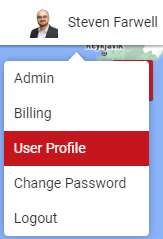
If you don't see the User Profile option, contact an Admin in your account and ask them to enable "This user can modify their own User Profile" for your user account. See Updating Account & User Profile Information for further instructions.
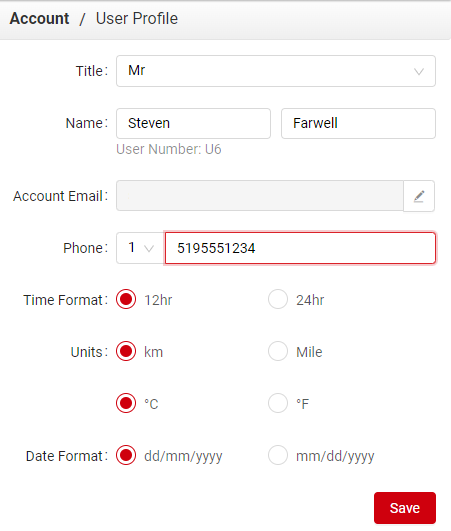
From here, make your changes and click Save.