💡Note: This feature is only available for companies that have the Asset Tracking & Cloud Platform feature enabled. To learn more, go here: Asset Tracking & Cloud Platform 💡
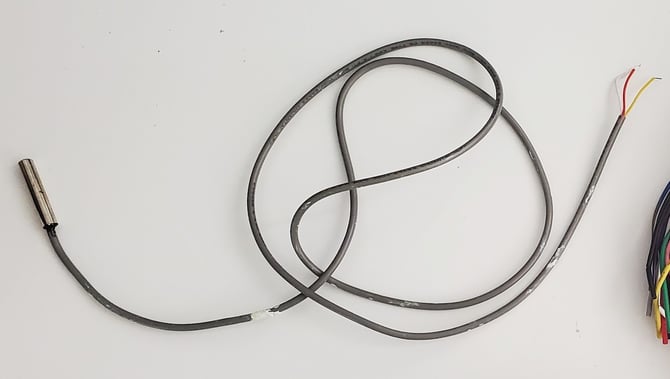
The temperature probe has three wires: Vdd (Positive Voltage), Ground, and Data. Your temperature probe can come in different colour wiring configurations:
Configuration 1 (Red, Green, Yellow)
- Red: Vdd (Positive Voltage)
- Green: Ground
- Yellow: Data
Configuration 2 (Red, Yellow, White)
- Red: Vdd (Positive Voltage)
- Yellow: Ground
- White: Data
Configuration 3 (Red, Black, Gray)
- Red: Vdd (Positive Voltage)
- Black: Ground
- Gray: Data
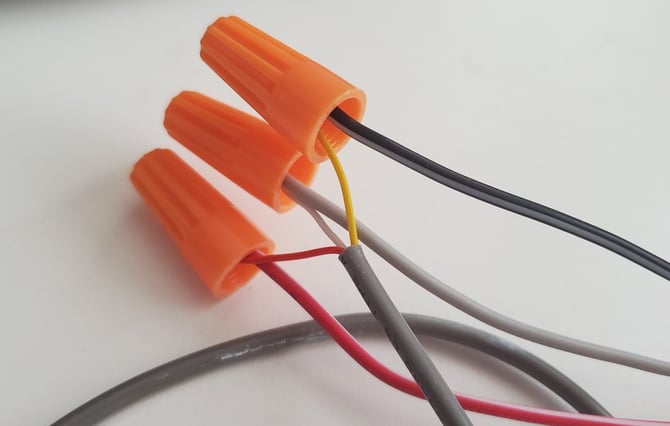
To connect your temperature probe, ensure that you connect each wire properly with the Asset Tracker hardware:
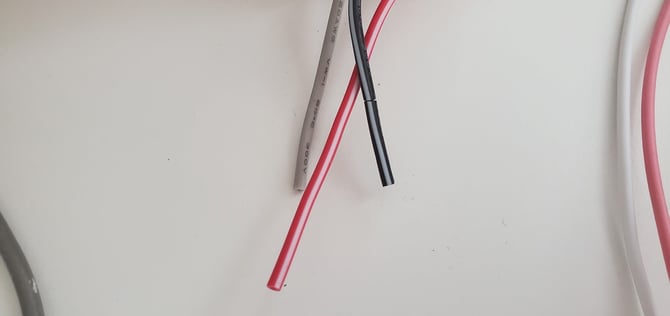
Ensure that on the Asset Tracker, you use the Red & Black wires with white stripes.
|
Probe (look at configurations above) |
Asset Tracker (See diagram) |
|
Vdd |
OUT-3V3 (Red with White stripe) |
|
Ground |
GND (Black with White stripe) |
|
Data |
1-WIRE (Gray) |