Who is this article for? Standalone Tracking customers.
Note: Tracking integration within emdecs one is currently partial. Some portal features are only accessible through the standalone Tracking portal. Where noted, follow the standalone steps.
Breadcrumbing allows you to display a temporary trail for an asset on the Live Map, allowing you to follow the route of an asset in real-time.
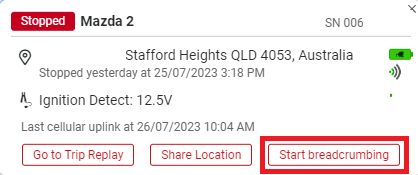
On the Live Map, select the asset you want to follow. On the info card, select Start breadcrumbing.
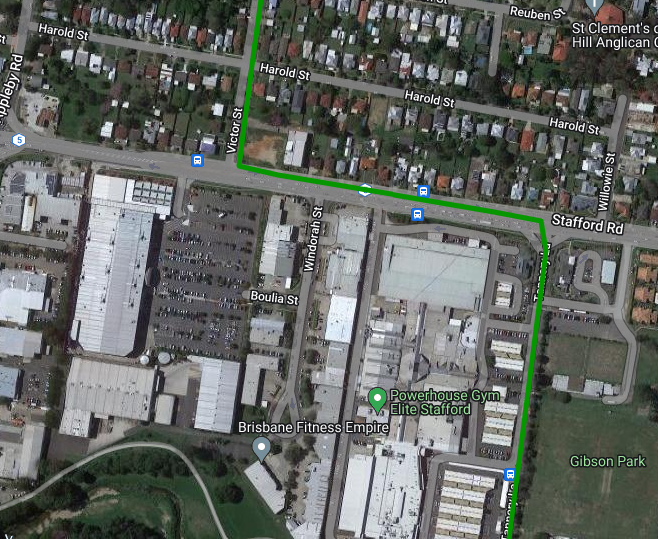
Now, when the asset moves, you'll see a trail similar to the Trip Replay, however it will continually update in real-time on the Live Map.
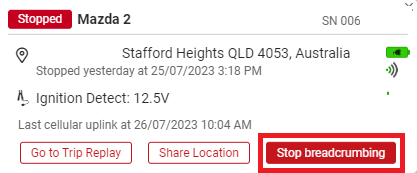
To stop breadcrumbing and remove the trail from your Live Map, select the asset again and choose Stop breadcrumbing.